ATS Friendly Resume Template 2026: The Complete Guide (With Examples)
Most ‘ATS-friendly’ templates online are quietly killing your applications. This is the engineered template Premium Resume ships to clients placed at Google, Amazon and JPMorgan — broken down section by section.
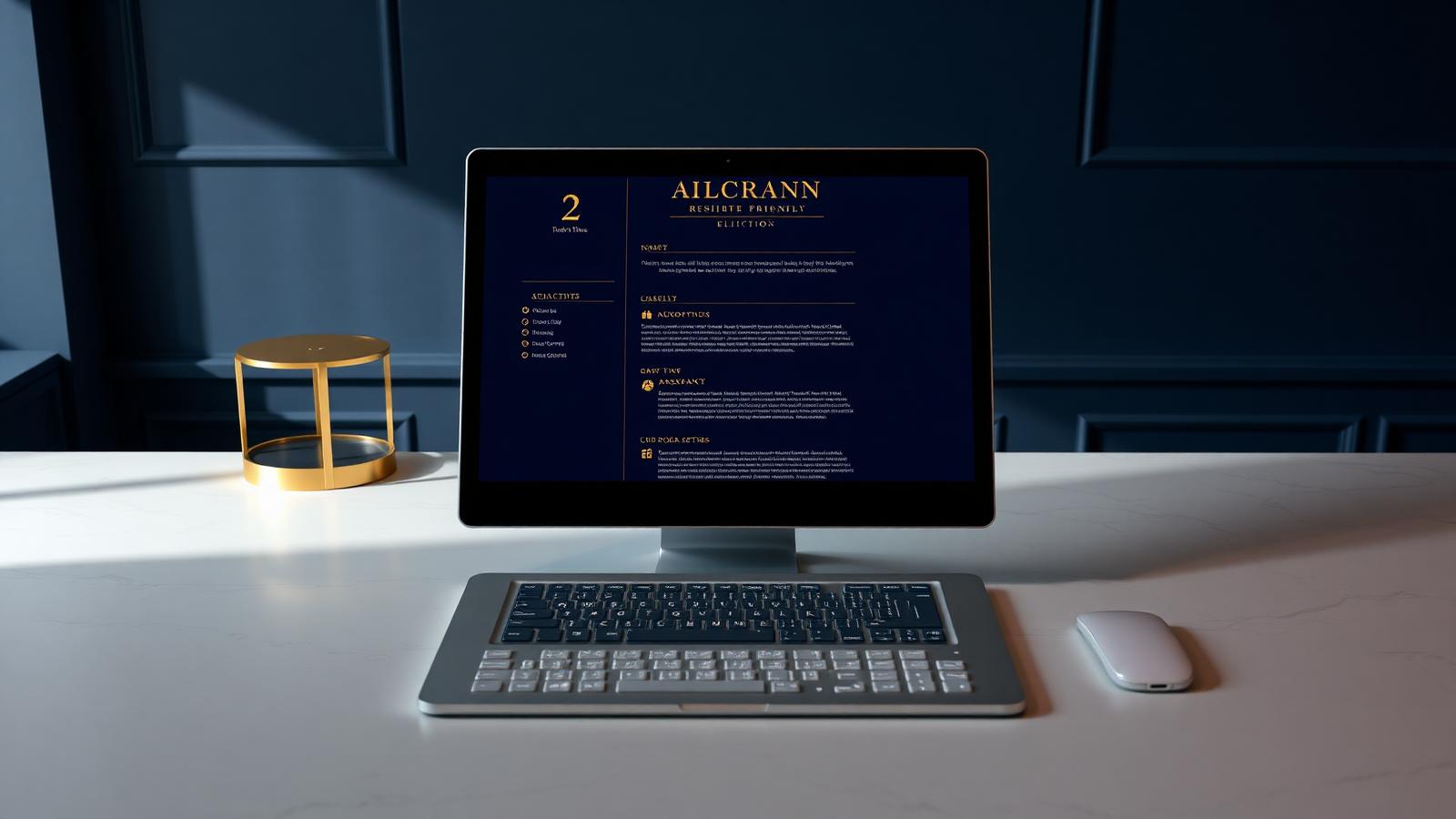
The phrase ‘ATS friendly resume template’ is one of the most searched, most misunderstood terms in the job market. Type it into Google and you get thousands of free downloads — most of which silently fail the very systems they claim to beat. Workday parses them as scrambled text. Greenhouse misses the contact block. Taleo flatlines on the section headers. The candidate never knows. They just stop hearing back. This guide tears the problem down to first principles and rebuilds it: what a truly ATS-friendly template actually looks like in 2026, why the popular ones fail, and the exact section-by-section structure we ship to every Premium Resume client.
What ‘ATS friendly’ actually means in 2026
An ATS-friendly resume template is one whose layout, fonts and structure can be parsed cleanly by every major Applicant Tracking System — Workday, Greenhouse, Lever, Taleo, SuccessFactors, iCIMS — into the exact fields a recruiter searches against. Parseability is the floor. Above it you still need keyword alignment, recruiter-grade typography, and a layout that signals seniority. A template that parses but reads like a 1998 Word document gets you past the algorithm and rejected by the human in three seconds.

Why most ‘free ATS templates’ online are a trap
- Canva exports often render as image-based PDFs — zero readable text to the parser.
- Two-column Word templates scramble experience order in Workday and Taleo.
- Templates using text boxes or sidebars lose the candidate’s name and contact info.
- Skill bars, star ratings and progress circles are invisible — the parser sees an image, not ‘95% Python.’
- Designer templates use exotic fonts that render as squares in older ATS engines.
- Free downloads rarely calibrate to the 2026 keyword landscape — they use stale 2019 phrasing.
The anatomy of an ATS-friendly template that still looks premium
1. Single-column flow, top to bottom
One vertical column. No sidebars. No tables. Contact info as plain text at the top — outside any header element. Section breaks marked with a single horizontal rule and a bold sentence-case heading. This is the layout every modern parser was built to read.
2. Native fonts only
Calibri, Arial, Helvetica, Garamond, Cambria, or Georgia. 10.5–11.5pt body, 13–16pt headings. Anything else risks rendering as boxes or being substituted in ways that break alignment.
3. Standard section names the ATS expects
- Professional Summary (3–4 lines, keyword-rich, role-specific)
- Core Competencies (8–12 keywords from the target job description)
- Professional Experience (reverse chronological, MM/YYYY dates)
- Education (degree, institution, year)
- Certifications (relevant, current)
- Languages (if relevant to the role or geography)
4. Verb-led, quantified bullets
“Architected a multi-region AWS migration for a 1,200-engineer org, cutting infrastructure spend by $3.1M annually and reducing deploy time from 47 minutes to 6.”
— Bullet pattern from a Premium Resume client placed at Stripe, 2026
Every bullet: strong verb, scope, quantified outcome. This satisfies recruiter scan-psychology, hits keyword targets, and reads as senior-grade language at the same time.
The Premium Resume ATS template — section by section
Below is the exact structural skeleton we ship. Copy it. Fill in your details. Run it through any ATS checker — it will score 95+ before you’ve added a single keyword optimization.
- HEADER: Full name (16pt bold), one line below: City, State | email | phone | linkedin.com/in/handle
- SUMMARY: 3–4 sentences. First sentence = role + years + industry. Second = signature achievement. Third = differentiator. Fourth = forward-looking value statement.
- CORE COMPETENCIES: Two rows of 4–6 keyword phrases, separated by pipes. Lifted from the target job description.
- EXPERIENCE: Company | Location | Title | MM/YYYY–MM/YYYY. One sentence of role context. 4–6 verb-led, quantified bullets per role.
- EDUCATION: Degree, Institution, Year. Honors if Magna Cum Laude or higher.
- CERTIFICATIONS: Name (Issuer, Year). Only current and role-relevant.
What to never put on an ATS-friendly template
- Photos, headshots, or logos (illegal to consider in US/UK hiring, and break parsing)
- Tables, even for dates
- Text inside header/footer regions
- Icons next to contact info (parsers read them as text noise)
- Color blocks, color bars, or background fills (kill print and parser readability)
- Two columns — under any circumstance
The 5-minute ATS check before you hit submit
Open your PDF. Press Ctrl+A. Press Ctrl+C. Paste into a plain text editor. If your name, every job title, every bullet, and every section heading appears in the right order — your template is ATS-friendly. If anything is scrambled, missing, or merged with other text, the parser sees the same chaos and your application is dead.
When to stop fighting the template and hand it to a writer
Templates solve the structural problem. They do not solve the language problem — and language is what separates a 70 ATS score from a 95, and a 95 from a hired offer. Every Premium Resume client gets a template that parses perfectly and language engineered to the specific role, industry and seniority band. The result is a resume that the algorithm respects and the partner reads. If you are applying for senior roles, the cost of getting this wrong is multiples of getting it right.