Premium Resume vs Canva: Which Is Actually Better For ATS In 2026?
Canva is the most popular resume builder on earth — and one of the worst for ATS. Here’s the honest, side-by-side comparison every senior candidate should read before choosing.
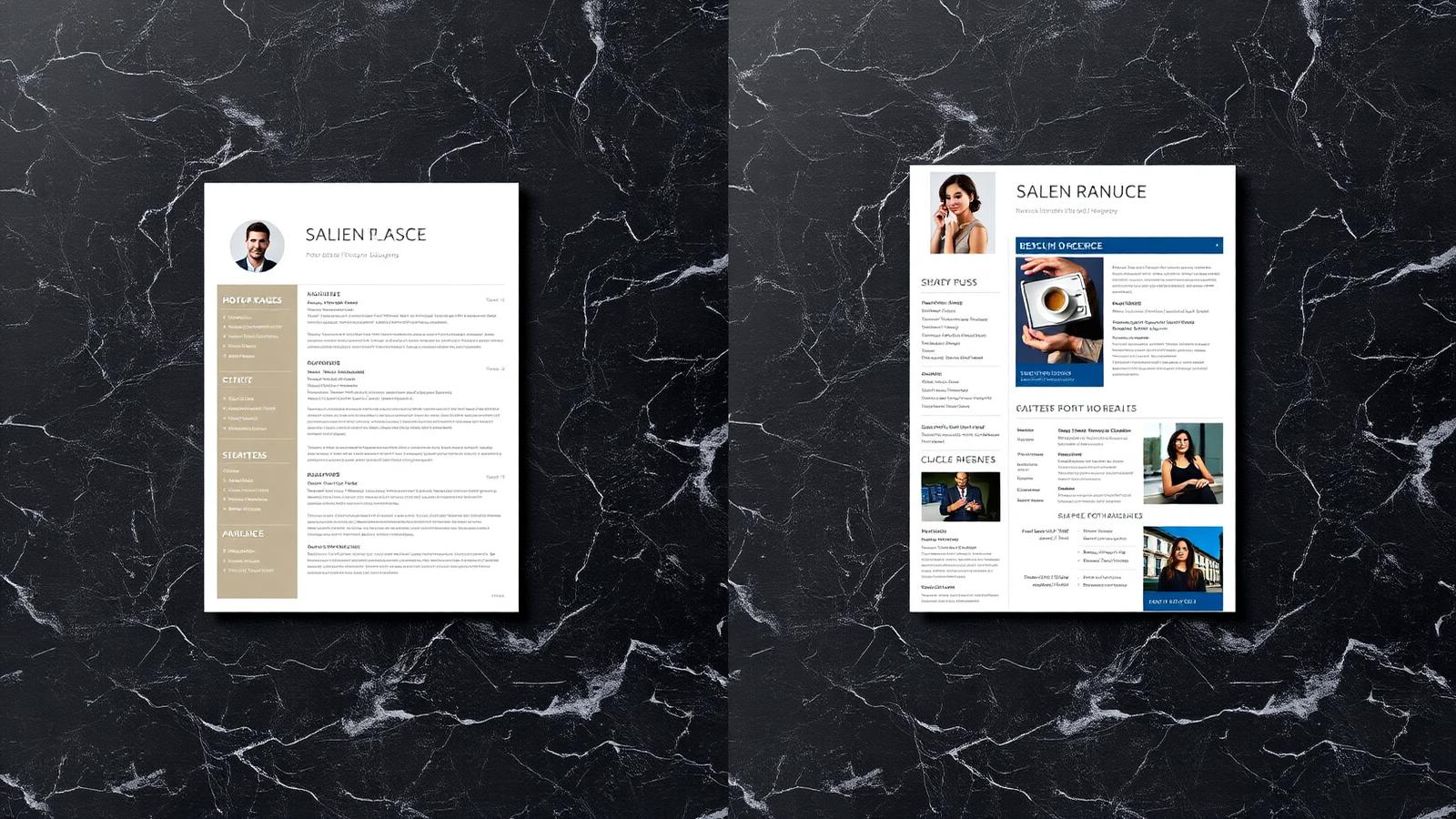
Canva has won the design layer of the resume market. It is fast, visually polished, and produces files that look incredible on a screen. It is also one of the most common reasons resumes fail Applicant Tracking Systems in 2026. This comparison is the version we wish every senior candidate read before submitting another application — honest, side-by-side, with the trade-offs spelled out.
The headline difference in one sentence
Canva resumes optimize for how a human sees the file on a screen. Premium Resume optimizes for how the algorithm parses it and how a recruiter reads it in seven seconds. Those are different problems with different solutions.
Round 1 — ATS parseability
Most Canva templates use multi-column layouts, sidebars, text boxes, and graphic elements (skill bars, icons, color blocks). All of these are problematic for ATS engines. Worse, Canva exports often produce image-based PDFs where the ‘text’ is rasterized into the page. The parser sees a picture, not words. Premium Resume uses single-column, text-based PDFs engineered for Workday, Greenhouse, Lever, Taleo and SuccessFactors. Verdict: Premium Resume wins, decisively.
Round 2 — Visual polish
Canva is the clear winner on pure visual variety. Hundreds of templates, color schemes, photo placeholders. For a creative portfolio piece or a designer’s personal brand, this matters. For a senior corporate role at Goldman, McKinsey, Google or EY, it actively works against you — recruiters read decorative resumes as junior. Verdict: Canva wins on variety; Premium Resume wins on positioning.
Round 3 — Language and content
Canva provides design. It does not write the words. Whatever language you bring is what you ship. Premium Resume rewrites every line — verbs, scope, quantified outcomes, keyword density calibrated to the target role. This is the layer that turns a resume into interviews. Verdict: not comparable — they solve different problems.
Round 4 — Time and effort
Canva: 2–4 hours if you already know what to write. Premium Resume: you spend 20 minutes on intake; senior writers spend 8–12 hours on the document. Verdict: Canva is faster for you; Premium Resume produces a sharper document.
Round 5 — Outcomes (what recruiters and ATS engines actually score)
- ATS pass rate: Premium Resume averages 95+. Canva templates frequently score 40–70 unless heavily modified.
- Recruiter interview rate: senior candidates with professionally rewritten resumes report 2–4x higher callback rates within 30 days.
- Cost-of-failure: one missed interview at a senior role typically represents $5K–50K in lost compensation.
When Canva is the right tool
- Creative roles where the resume doubles as a portfolio piece (graphic design, art direction)
- Internal pitches, slide decks, one-pagers, personal brand assets
- Junior candidates applying through warm introductions, not ATS portals
When Premium Resume is the right call
- Any senior or executive corporate role (Director, VP, C-suite)
- Applications going through Workday, Greenhouse, Lever, Taleo or SuccessFactors
- Career transitions where positioning is the entire game
- Anyone who has been applying without response for 30+ days
The honest verdict
Canva is a brilliant design tool — and it has its place. For corporate ATS-driven applications at senior level, it costs more in missed interviews than it saves in design fees. Premium Resume exists for the candidate who has done the work, deserves the role, and refuses to lose it to a parser.